
Age-appropriate literacy support pupils will actually start
CanDoLearn keeps the level right, but changes how the work feels. That matters for pupils who can read the task but pull away when it looks too young.
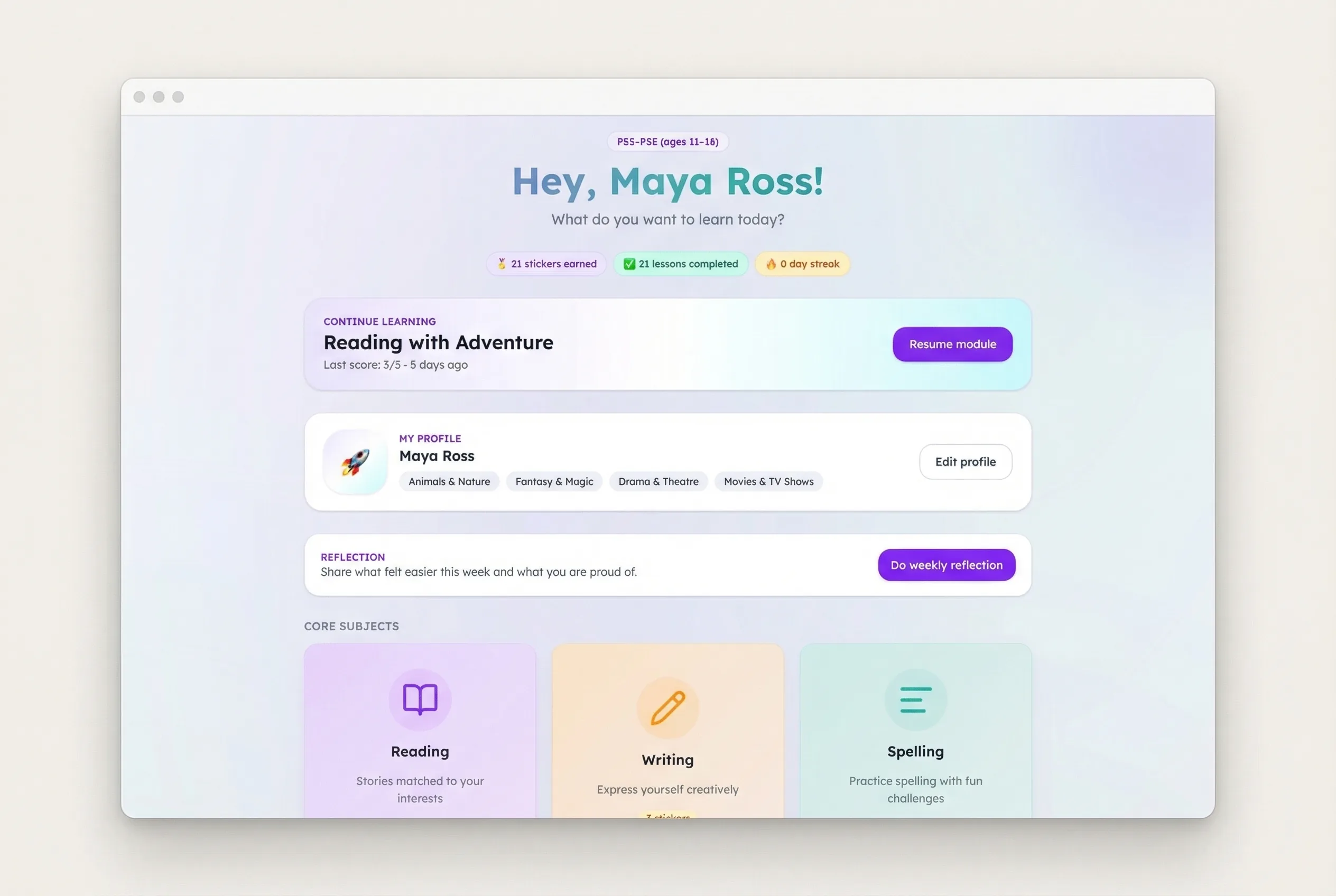
1. Age-respectful content
Work that feels right for the pupil
- Reading level matched without making the work feel younger
- Interest-led content that gives older pupils a clearer reason to start
- Presentation designed to avoid obvious remediation or stigma
Example pupil view
A reading task that looks like it belongs to their age group
Topics, layout and support are chosen to keep the task readable and age-respectful, so the pupil is more likely to begin and stay with it.
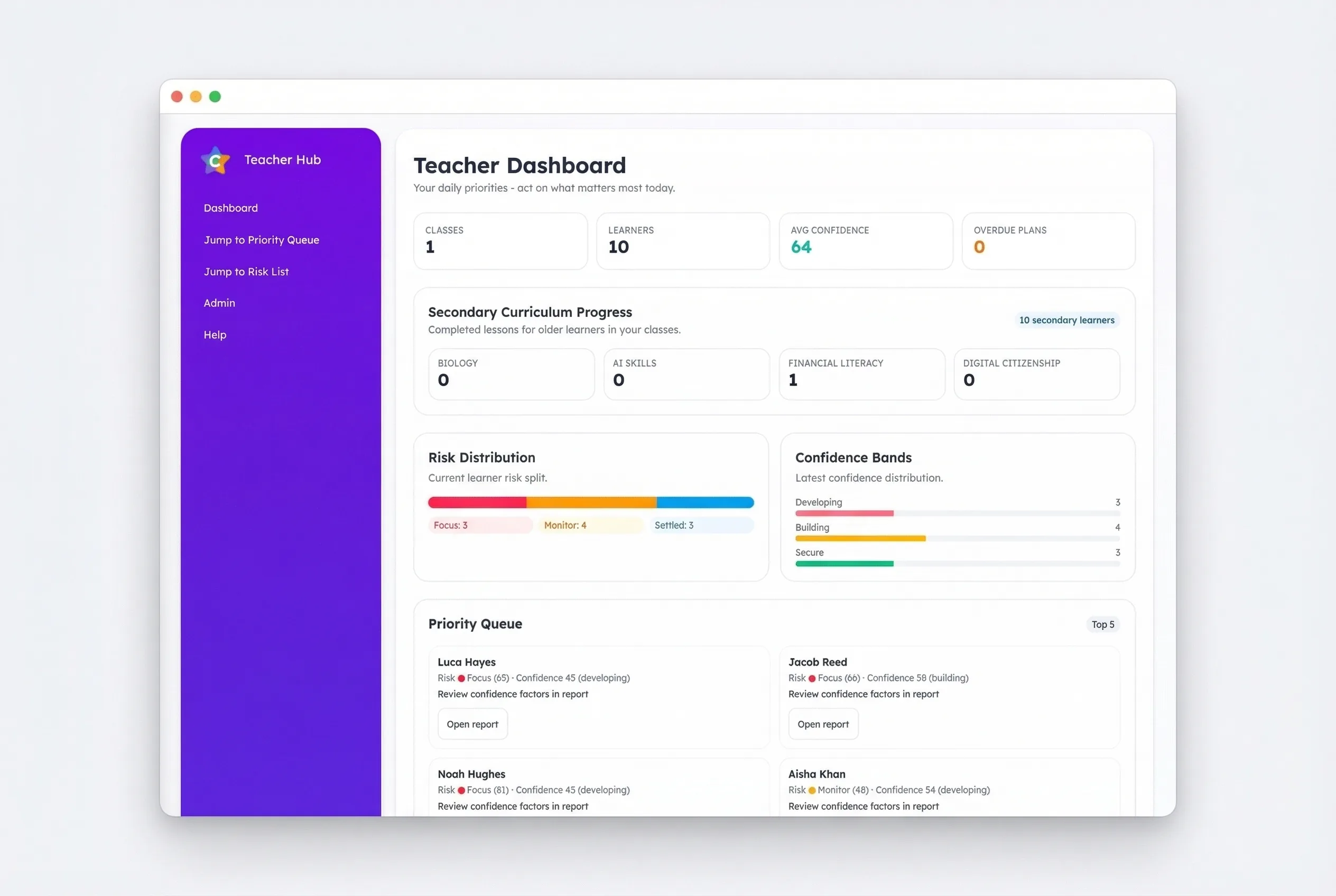
2. Teacher control
Set work quickly without building everything by hand
- Set work quickly for one pupil or a small group
- Adjust focus without rewriting the whole task
- Keep intervention practical inside real school routines
3. Readable pupil experience
Support is available in the lesson, not hidden away
- Read Aloud built into the lesson
- Reading ruler, overlays and font controls available when needed
- Cleaner layouts that keep attention on the task itself
At a glance
Clear enough to scan in seconds
- Readable task layout with one clear next action for the pupil.
- Support tools available at the point of need.
- No clutter that makes the task harder to approach.
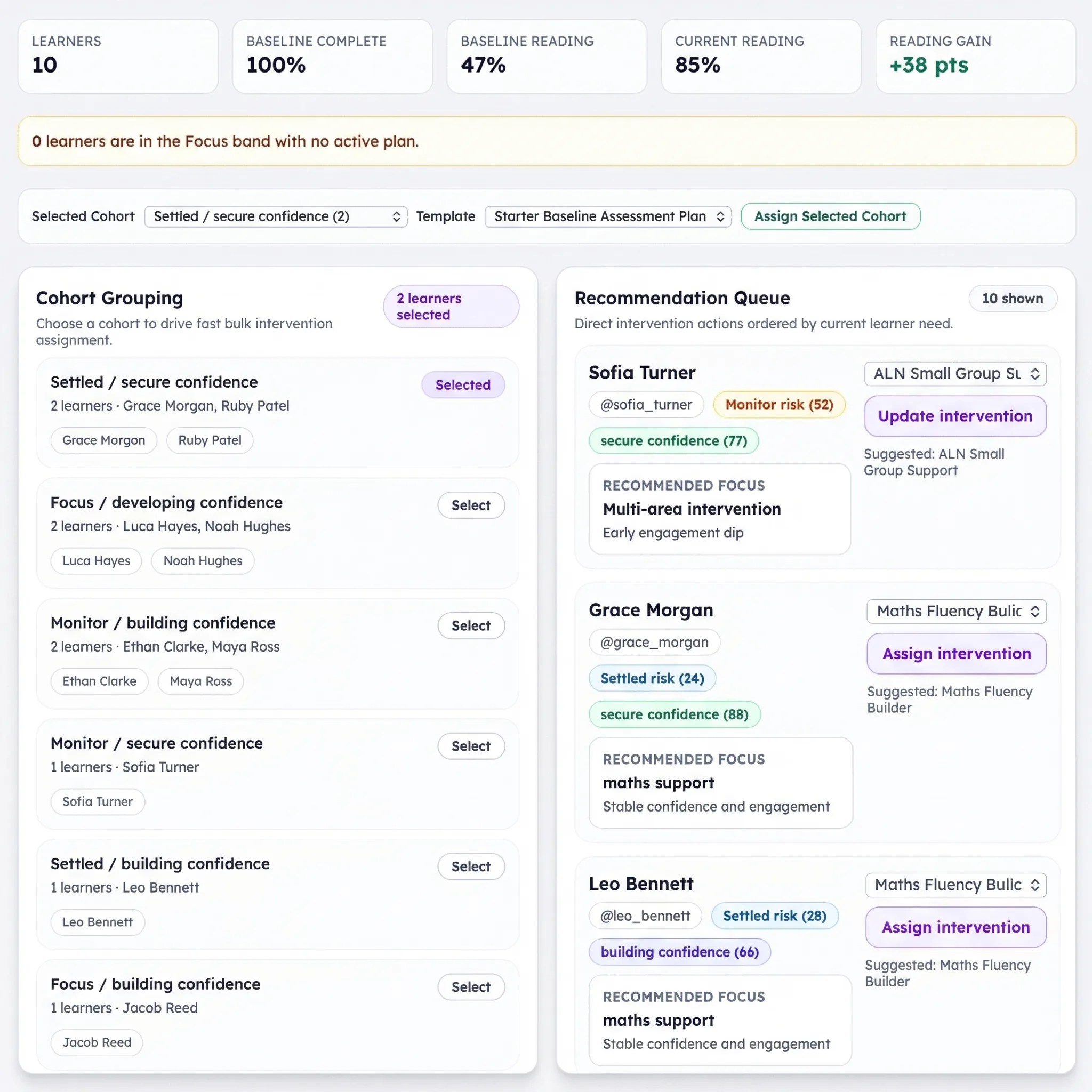
4. Reviewable progress
Enough evidence to review what is changing
- See what was set
- See whether it was completed
- See what to do next
The point is not more dashboards. It is a clearer review conversation for teachers, SENCOs and school leaders.
See how this looks in a real school workflow
Book a demo to see how teachers set work, how pupils complete it, and how schools review what changes over time.